
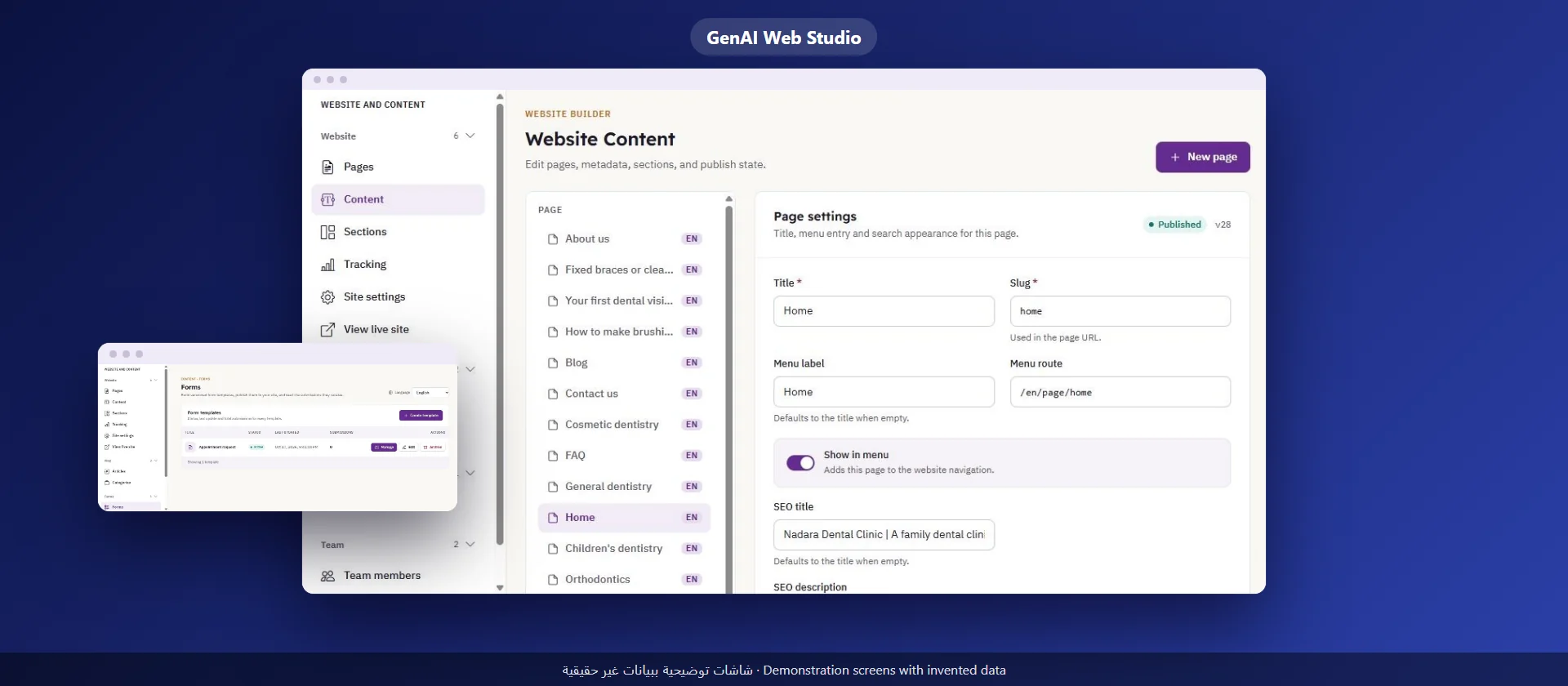
A Website for Your Clinic: What Patients Look For Before They Call
A guide for clinic and medical center owners in Saudi Arabia: the pages a clinic website needs, contact from a mobile phone, and how the site stays correct after launch
Read moreA guide for clinic and medical center owners in Saudi Arabia: what a booking system should do, what to ask before you sign, and how to protect patient data
Choose a booking system by the way your front desk works, not by the number of features in the demo. Ask how an appointment is booked and changed, whether each doctor has a schedule, who sees what, what the system shows you about bookings and cancellations, and who sets it up and stays with you after launch.
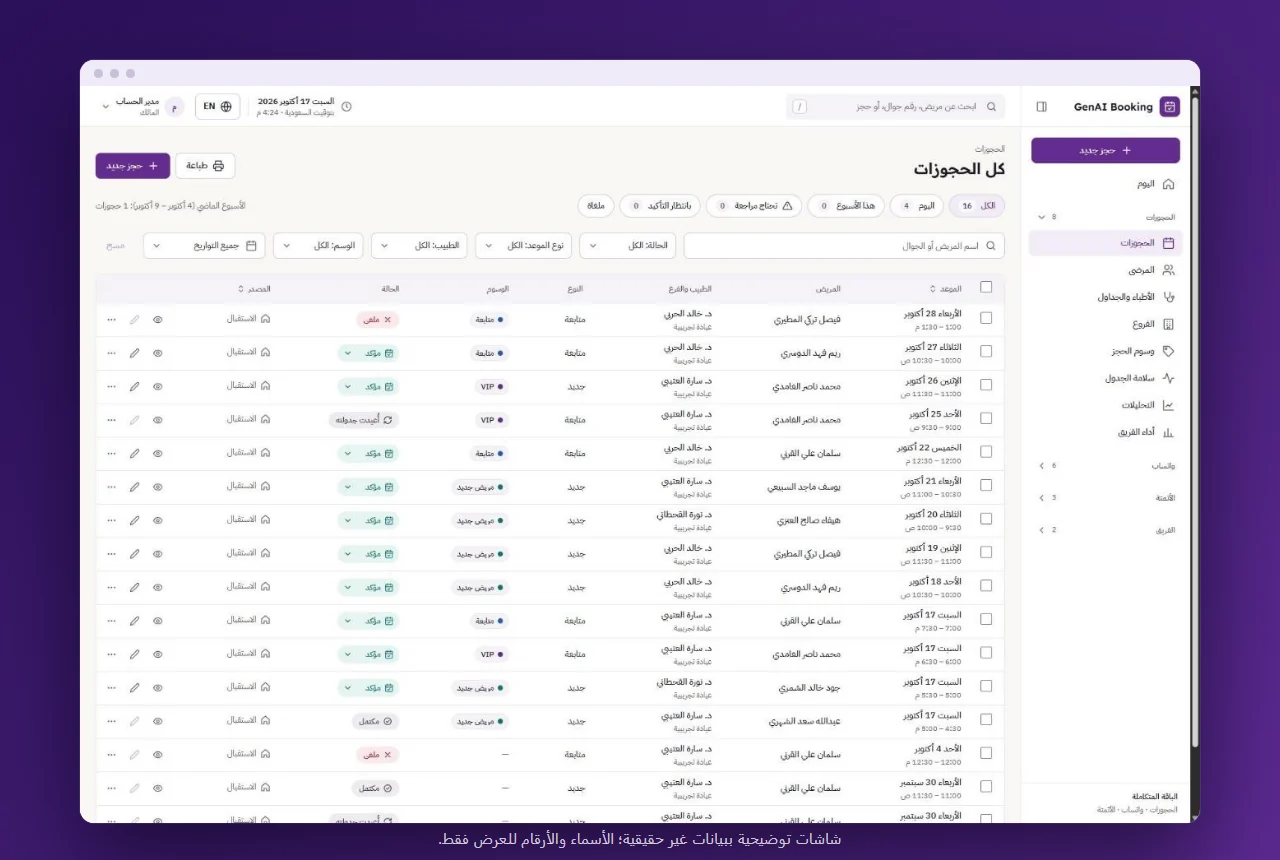
Many clinics start with a notebook or a spreadsheet at the front desk, and that works while appointments are few and one person books. The picture changes with the first extra doctor or a second receptionist.
These signs say the time has come:
If you see two signs or more, the problem is no longer the team's effort but the tool it works with.
Before you watch any demo, write down how booking happens today: who answers patients, how a request arrives (a call, a message or in person), and who confirms the appointment. Then ask of every system: does it fit this path, or will it ask you to change it?
Ask to see the booking steps on screen, not just a description:
A system that needs many screens for one booking sends the team back to the notebook on the first busy day.
Most booking mistakes come from missing information about a doctor: leave that was not recorded, hours that changed in Ramadan, or time kept for procedures that the front desk does not know about.
Ask about the system:
When schedules are correct in one place, the front desk does not book from memory, and no patient arrives to find the doctor absent.
The team needs to see a patient's past and coming appointments in one place instead of searching several files. But not every employee needs to see everything.
So ask:
A shared account looks easier at first, but it makes it impossible to know who changed or cancelled an appointment.
A booking system is not just a faster notebook. Its real value is that it shows you what happens in your clinic without asking anyone.
Ask to see the analytics screen before you choose, and check whether it shows:
When you see, for example, that cancellations gather on one day or with one doctor, you can change the schedule based on what happened, not on what you expect.
Every booking carries personal data: the patient's name, mobile number and appointments. Saudi Arabia has a Personal Data Protection Law, issued in 2021, which sets the obligations of those who collect and process personal data; the Saudi Data and AI Authority (SDAIA) oversees it through the National Data Governance Platform.
Before you go live:
Ask these questions of any system you consider; you are entitled to a clear answer.
GenAI Hub has a booking system built around the work of clinics, in Arabic from right to left and in English. The receptionist books by the patient's mobile number, new or returning, from the free slots, and changes or cancels an appointment with the reason recorded. Each doctor has a specialty, working hours and times without appointments; each patient has a page with their details and appointments; and an analytics page shows bookings, cancellations and staff performance. The account owner creates roles and decides what each role may do.
What it does not do: an electronic medical record is not part of the system, and bookings are made by the front desk team. If your business is not a clinic, a system of its own under our custom systems may fit you.
Our team sets the system up with your clinic's data, explains it to your team and stays with you step by step. Learn more on the booking system page.
A booking system organizes appointments, doctor schedules and patient contact details. An electronic medical record keeps the medical history and diagnoses. Some systems combine both and some do not, so ask before you sign. The GenAI Hub booking system does not include a medical record.
That depends on the number of steps in each booking. Ask to see a full booking on screen before you choose. At GenAI Hub our team explains the screens to your team and stays with you after you start.
Check that the interface is fully in Arabic from right to left, not partly translated. The GenAI Hub booking system works in Arabic from right to left and in English.
Choose a system that asks for the reason when a cancellation is recorded and shows cancellations on an analytics page that can be filtered by doctor and period, so you see when and where they repeat.
A guide for clinic and medical center owners in Saudi Arabia: the pages a clinic website needs, contact from a mobile phone, and how the site stays correct after launch
Read more
A practical guide for company owners and senior staff in Saudi Arabia: how to choose a first use of AI, try it, measure it, and know what stays with your team
Read more
A guide for company owners in Saudi Arabia: what your team edits itself, how to assign roles and permissions, and how to separate the draft from publishing
Read more