
AI in Your Company: Where to Start Without Wasting Your Time
A practical guide for company owners and senior staff in Saudi Arabia: how to choose a first use of AI, try it, measure it, and know what stays with your team
Read moreA guide for clinic and medical center owners in Saudi Arabia: the pages a clinic website needs, contact from a mobile phone, and how the site stays correct after launch
A patient opens a clinic website to learn four things before calling: whether you offer the service they need, who the doctor is, where you are and when you open, and how to reach you easily. A good clinic website answers these questions clearly on a mobile phone, and your team keeps it up to date itself when hours or doctors change.
Before calling a clinic they do not know, a patient searches for it on Google and usually opens its website on their phone. Within a few minutes they decide: call, or go back to the search results and choose another clinic.
What they look for in those minutes is clear:
If they cannot quickly find an answer to one of these questions, the website has not done its job, however good it looks.
A clinic website does not need dozens of pages, but clear pages that answer the patient's questions:
And if some of your patients are residents who do not read Arabic, a site in Arabic and English lets them understand your services without asking.
Most visits to a clinic website come from a mobile phone, and the patient does not want to hunt for a way to reach you. So:
Then decide in your clinic who reads these requests and answers them every day. The best contact form is useless if its requests go unanswered.
Remember that a name and a mobile number are personal data, and Saudi Arabia has a personal data protection law that sets what applies to you when you collect them. So ask only for what you need, and do not ask in the form for health details you do not need to reply.
Patients read your website to understand, not to read terminology. Explain each service in short paragraphs: what it is, who it suits, and what the visit is like.
At the same time, mind what you write:
Honest, clear text builds a patient's trust more than big promises.
Every question that repeats on the front desk phone can become a short article on your website: how do I prepare for the visit? When do I need to see the doctor? What is the difference between two similar services?
These articles help the patient before they call, save your team time, and help Google understand what your clinic offers. Start with one article a month reviewed by a doctor, then add more if you see patients reading them. We wrote in detail about how to write such articles in Your Company Blog: How to Write Articles That Help Customers and That Google Finds.
A clinic website changes more than many expect: a new doctor joins, another leaves, opening hours change in Ramadan and on holidays, and a new service starts.
If every change waits for the developer, patients will find outdated information. So ask before you choose who builds your site:
We wrote about this in detail in Who Edits Your Company Website? The Dashboard and Team Permissions.
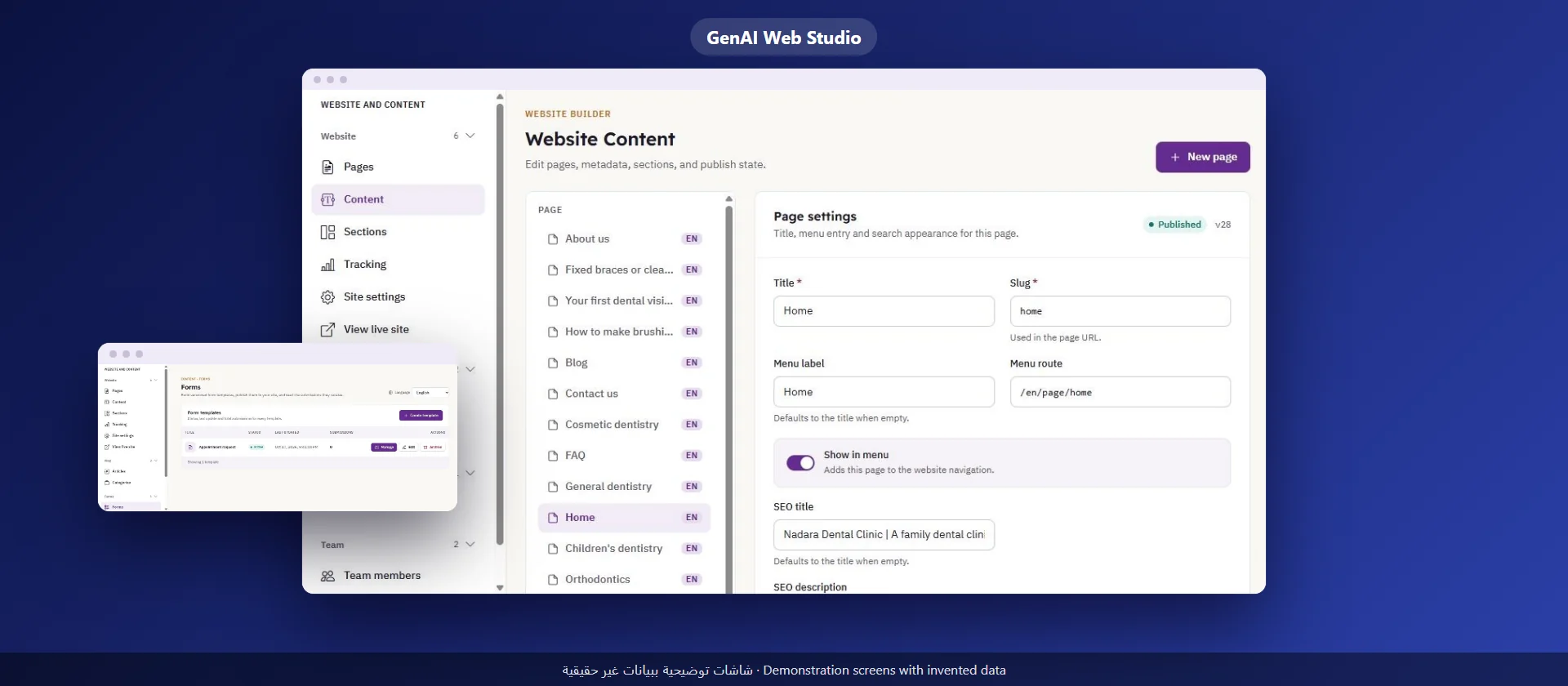
GenAI Web Studio is one complete product for your clinic's website:
What you should know: online appointment booking is not part of this product; your site presents your clinic and its services, and visitors' requests reach you by e-mail only, with no instant or WhatsApp alert. It has no online payment and no members area, and the Dashboard interface is in English while you write the content in Arabic and English. If you want to organize appointments at the front desk, we have the booking system as a separate product, and we wrote about choosing one in A Booking System for Your Clinic.
Our team takes a brief about your clinic from you, prepares the first design and texts, and stays with you step by step.
The home page, services, the medical team, location and opening hours, frequently asked questions, and a Contact Us page with a short form, a number and WhatsApp.
If some of your patients do not read Arabic, yes: they understand your services and reach you without asking. A GenAI Web Studio site works in both languages.
No, online appointment booking is not part of the product. The patient asks to be contacted through the form or WhatsApp, and the request reaches your e-mail.
Your own team, from the Dashboard: opening hours, the doctors page, services and articles, with each employee on their own account and role.
A practical guide for company owners and senior staff in Saudi Arabia: how to choose a first use of AI, try it, measure it, and know what stays with your team
Read more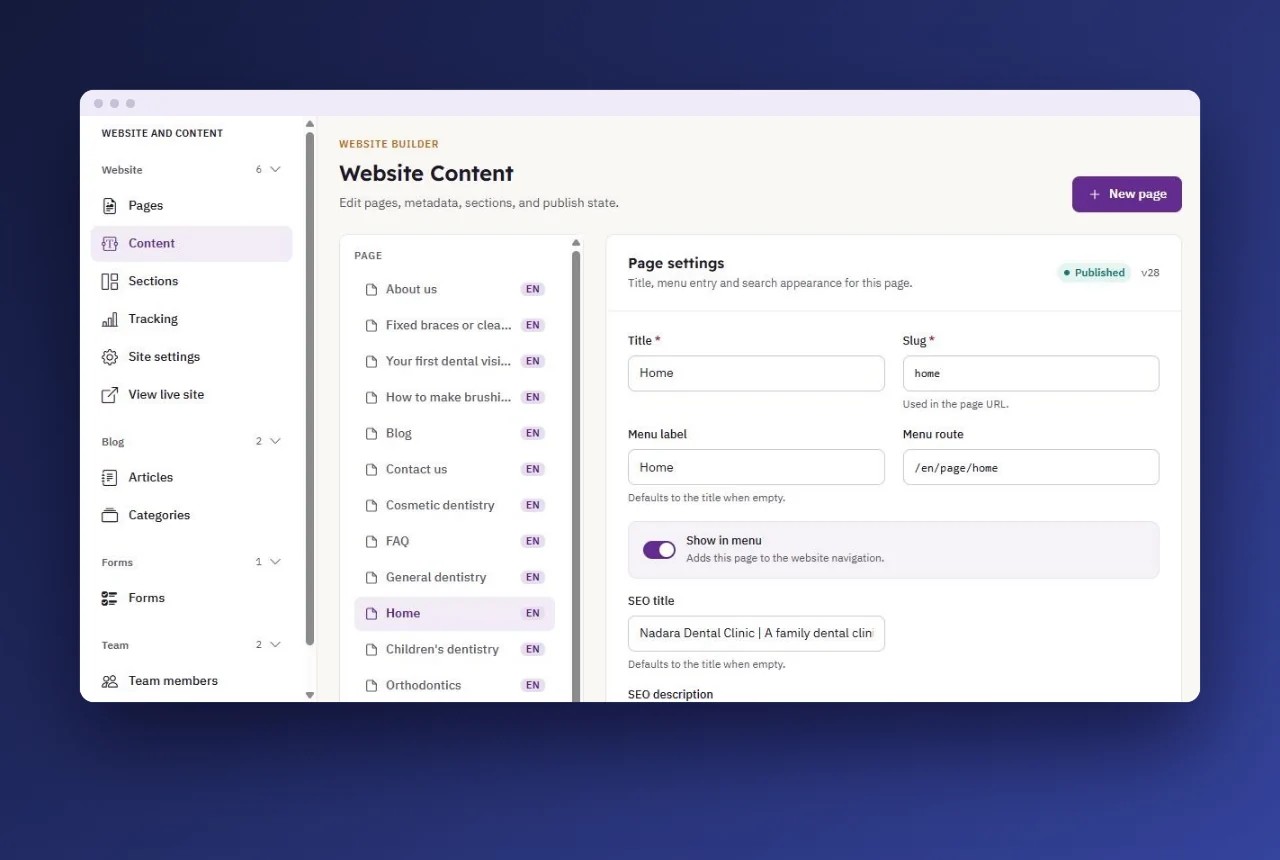
A guide for company owners in Saudi Arabia: what your team edits itself, how to assign roles and permissions, and how to separate the draft from publishing
Read more
A guide for company owners in Saudi Arabia: contact channels on the website, what to ask in the contact form, who answers and when, and how to protect the data of those who write to you
Read more