
A Website for Your Clinic: What Patients Look For Before They Call
A guide for clinic and medical center owners in Saudi Arabia: the pages a clinic website needs, contact from a mobile phone, and how the site stays correct after launch
Read moreA guide for company owners in Saudi Arabia: contact channels on the website, what to ask in the contact form, who answers and when, and how to protect the data of those who write to you
Customer service starts before the customer calls: with the way of getting in touch they find on your website. Offer one or two clear channels, ask only what you need in the contact form, decide who answers each message and when, respect the data of those who write to you, then measure how many requests reach you from the site.
A visitor who reaches your website usually carries a question or a request. If they find a clear way to get in touch, they write to you; if not, they leave and look for someone else.
What loses customers on a website most often:
Good customer service on a website is not one tool but a clear path from the visitor's question to your team's answer.
Choose one or two channels you can really answer, instead of five that nobody follows:
Put the way to get in touch on every page, not only on the "Contact us" page.
Remember that a name and mobile number are personal data. Saudi Arabia has a Personal Data Protection Law; you find its text and related material on the National Data Governance Platform of SDAIA. So collect only what you need, tell the visitor why you collect it, and do not use it for anything other than what it was collected for.
A message that belongs to nobody gets answered by nobody. Before you publish any channel, decide:
Then measure: how many requests reached you from the website this month? From which page? How many became customers? These numbers tell you where to improve.
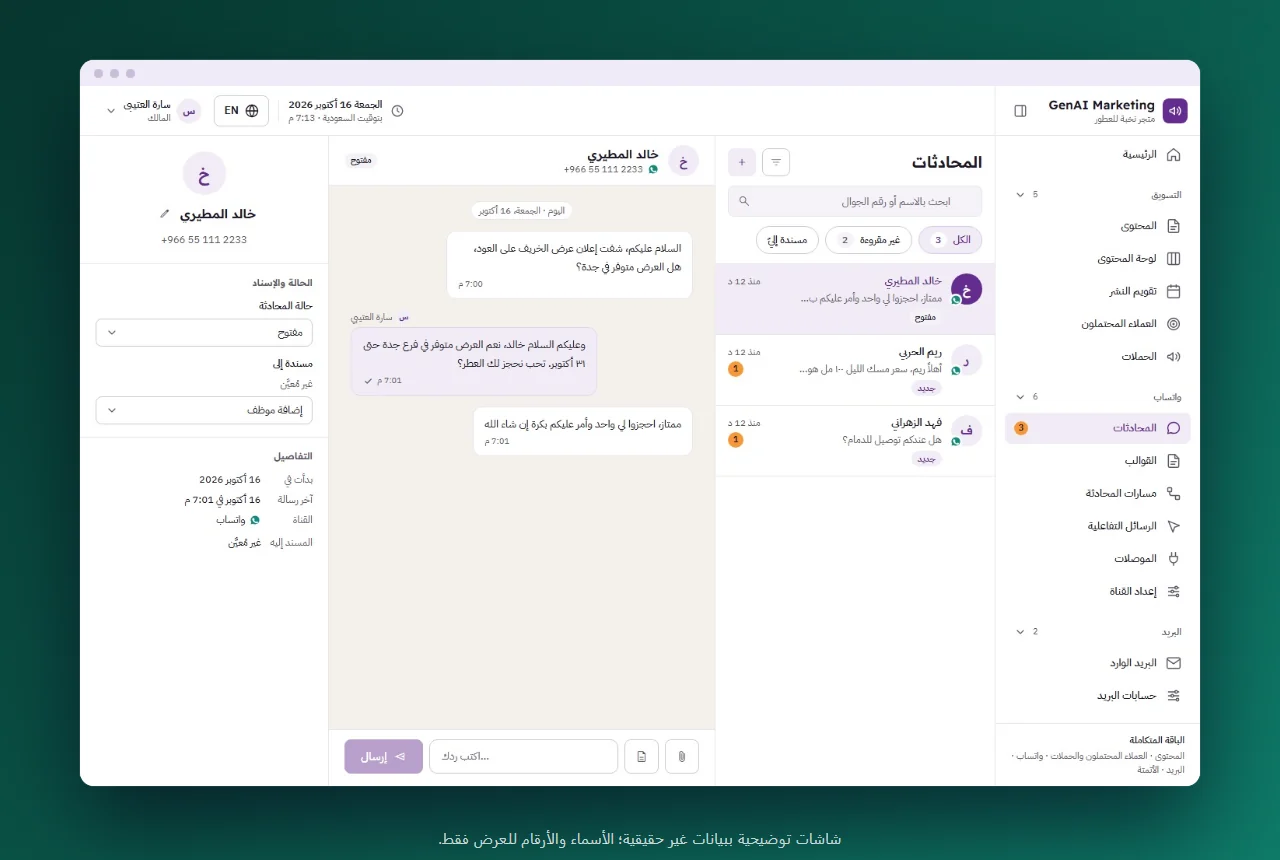
When messages grow, especially on WhatsApp, one person cannot answer them all from their own phone. Then you need:
We wrote about this in detail in A WhatsApp Chatbot for Your Company: When It Helps and Where It Stops. For this we have a separate product, WhatsApp API.
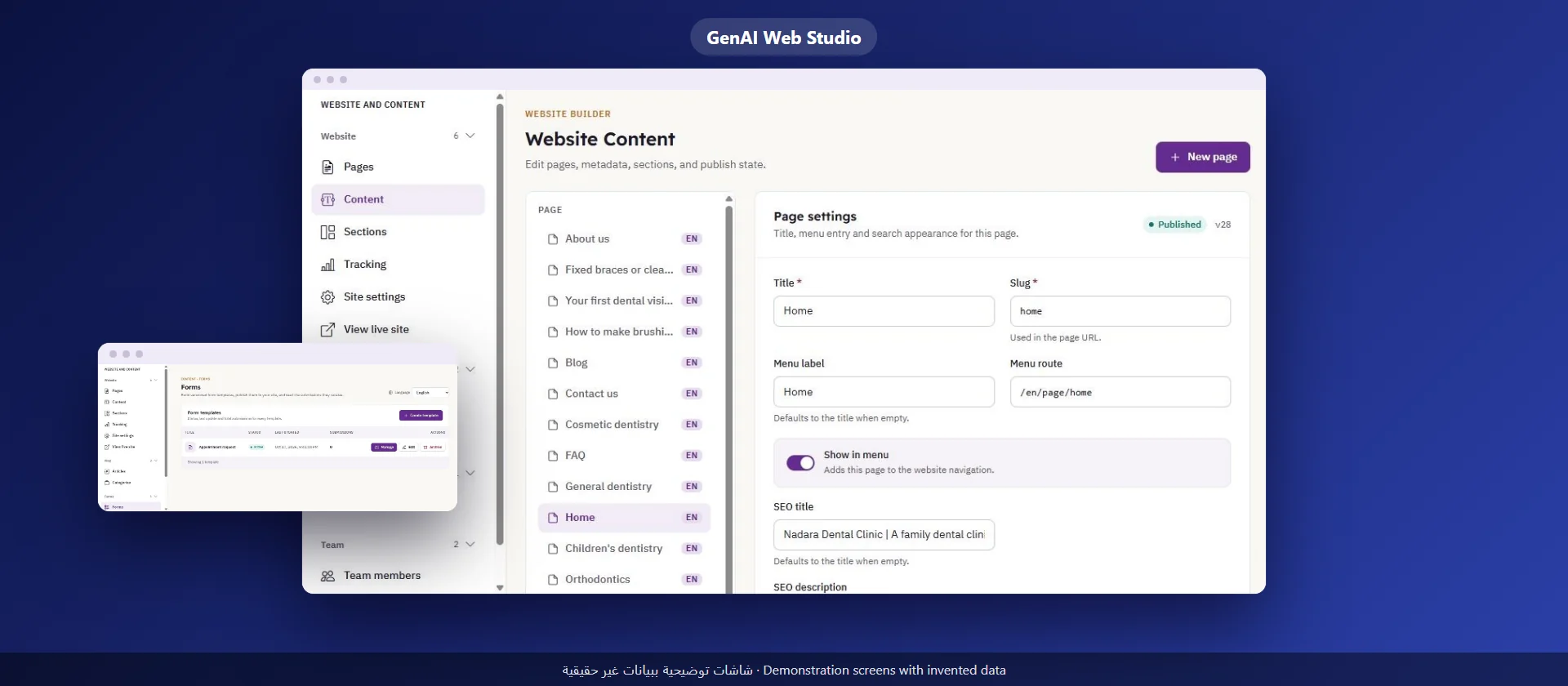
A GenAI Web Studio website comes with these contact tools:
What it does not include: there is no automatic reply or smart assistant that chats with the visitor on the website, and form answers cannot be exported to a file today. Our team sets up your contact channels and the e-mail address the messages go to, and stays with you.
Usually both: WhatsApp for quick questions and the form for requests that need details. What matters is that a named person follows each channel.
Name, a way to reach the person and the message, plus one question that helps your team. Every extra field lowers the number of people who finish the form.
Collect only what you need, tell them why you collect it, and read Saudi Arabia's Personal Data Protection Law to know what applies to you.
With an analytics tool that records sending the contact form as an event, and one log of messages that holds each request and its outcome.
A guide for clinic and medical center owners in Saudi Arabia: the pages a clinic website needs, contact from a mobile phone, and how the site stays correct after launch
Read more
A practical guide for company owners and senior staff in Saudi Arabia: how to choose a first use of AI, try it, measure it, and know what stays with your team
Read more
A guide for company owners in Saudi Arabia: what your team edits itself, how to assign roles and permissions, and how to separate the draft from publishing
Read more