A Website for Your Clinic: What Patients Look For Before They Call
A guide for clinic and medical center owners in Saudi Arabia: the pages a clinic website needs, contact from a mobile phone, and how the site stays correct after launch
Read moreA practical guide for company owners in Saudi Arabia: page titles and descriptions, URLs, Arabic and English versions, sitemaps and Search Console
SEO starts with simple basics: a clear title and description for every page, a readable URL, telling Google about your Arabic and English versions, a sitemap, and verifying your site in Search Console. These basics do not guarantee any ranking, but they make your pages understandable to Google and to the people searching.
SEO (search engine optimization) means making your website's pages easy for Google to understand and clear for people looking for your service, so they appear when people search for it.
Before you start, know what nobody can promise you:
What you can control are the basics in this article, which Google Search Central explains in its starter guide.
The first thing a searcher sees in Google's results is your page title and description, so write them for each page separately:
A common mistake: every page of the site carries the same title or the same description. Then neither Google nor the searcher can tell your services page from your contact page.
Make the page URL readable words, such as /page/orthodontics, not random numbers or codes. A clear URL helps the searcher understand the page before opening it.
If your site is in Arabic and English, tell Google that the two pages are versions of the same thing. This is done with hreflang tags, so that:
This way an Arabic searcher sees the Arabic page and an English searcher sees the English page, instead of the two versions competing.
A sitemap (sitemap.xml) is a file listing the pages you care about; it can also give the last update date and the language versions. Google says it helps most with sites that are new, large or poorly linked internally.
A robots.txt file tells search engines what to visit on the site and what to leave.
Google Search Console is a free Google tool that shows you:
To start, you verify ownership of the site; the easiest way is to put the verification tag the tool gives you in the head of your home page.
The technical basics make your pages understandable, but what makes people search for them and stay is the content:
If you are building your site now, also read our article Designing a Website for Your Company: Practical Steps from Idea to Launch.
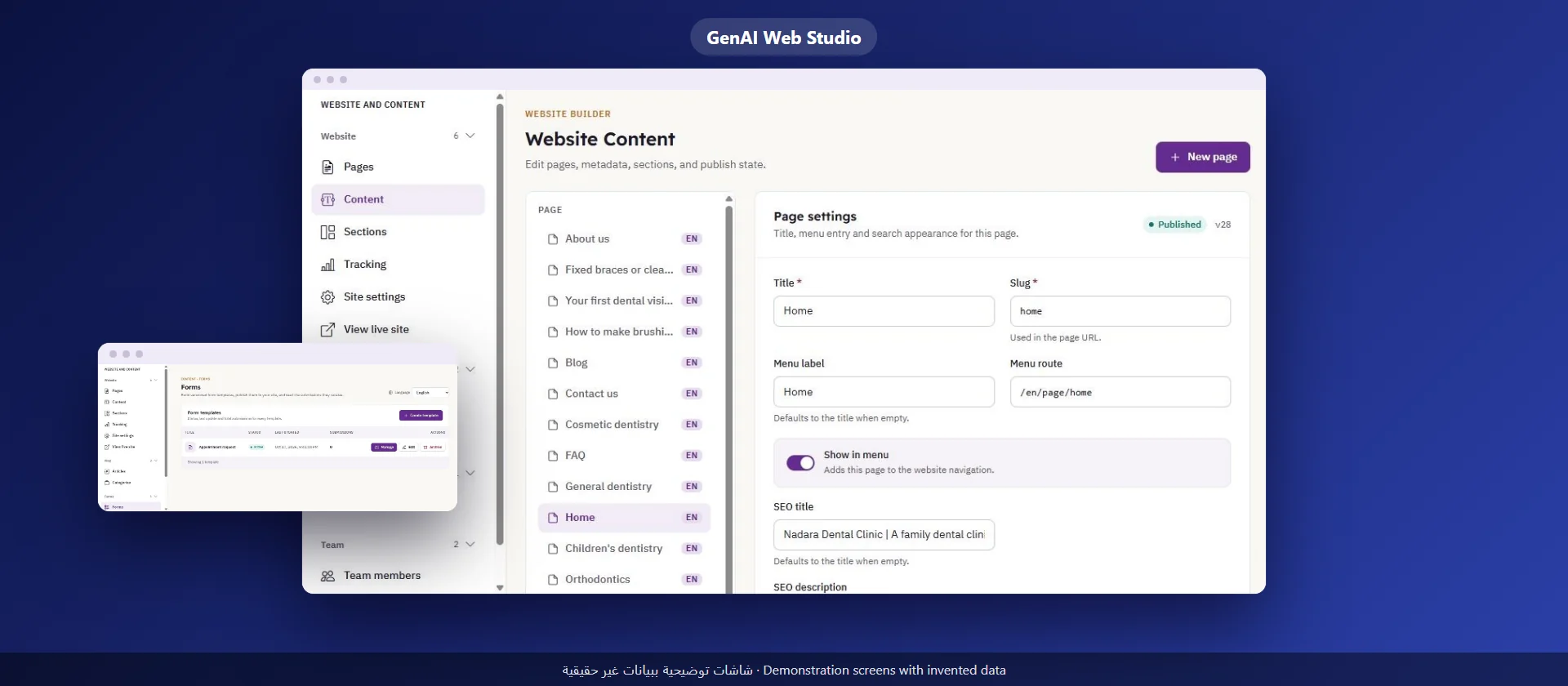
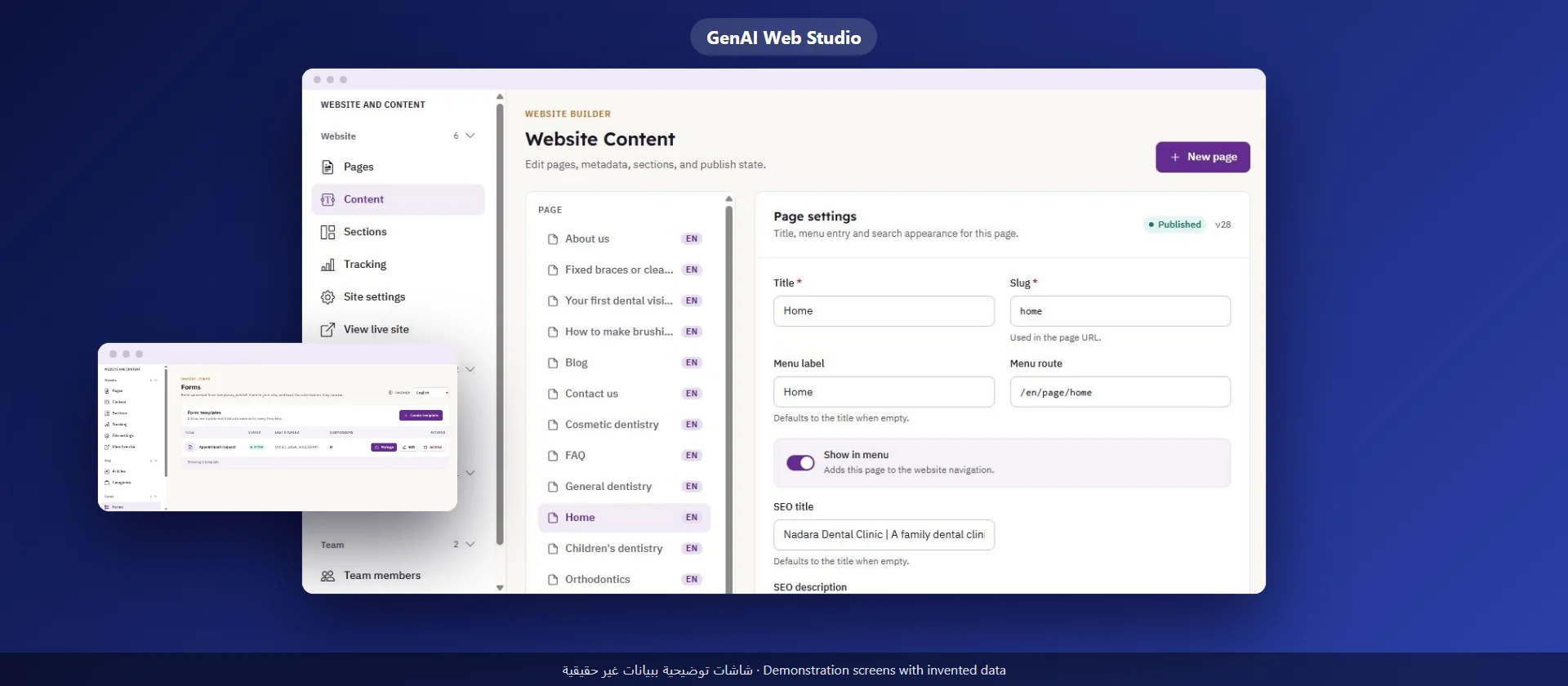
GenAI Web Studio gives your company a website in Arabic and English with a control panel, and it includes these SEO basics:
What we do not promise: any particular ranking in search results. The Dashboard interface is in English, while you write the content in Arabic and English. Our team sets up the site for you, runs it with you and stays with you step by step.
There is no fixed time. You can request indexing of a page in Search Console, but Google decides when to visit it and whether to show it.
Google says a small, well-linked site may not need one, but it helps a new site and does no harm.
No. Write for the reader in natural language and put the word where it helps: in the title, the description and the start of the page.
If some of your customers search in English, yes, with the two versions linked by hreflang tags so Google shows each searcher their version.
A guide for clinic and medical center owners in Saudi Arabia: the pages a clinic website needs, contact from a mobile phone, and how the site stays correct after launch
Read more
A practical guide for company owners and senior staff in Saudi Arabia: how to choose a first use of AI, try it, measure it, and know what stays with your team
Read more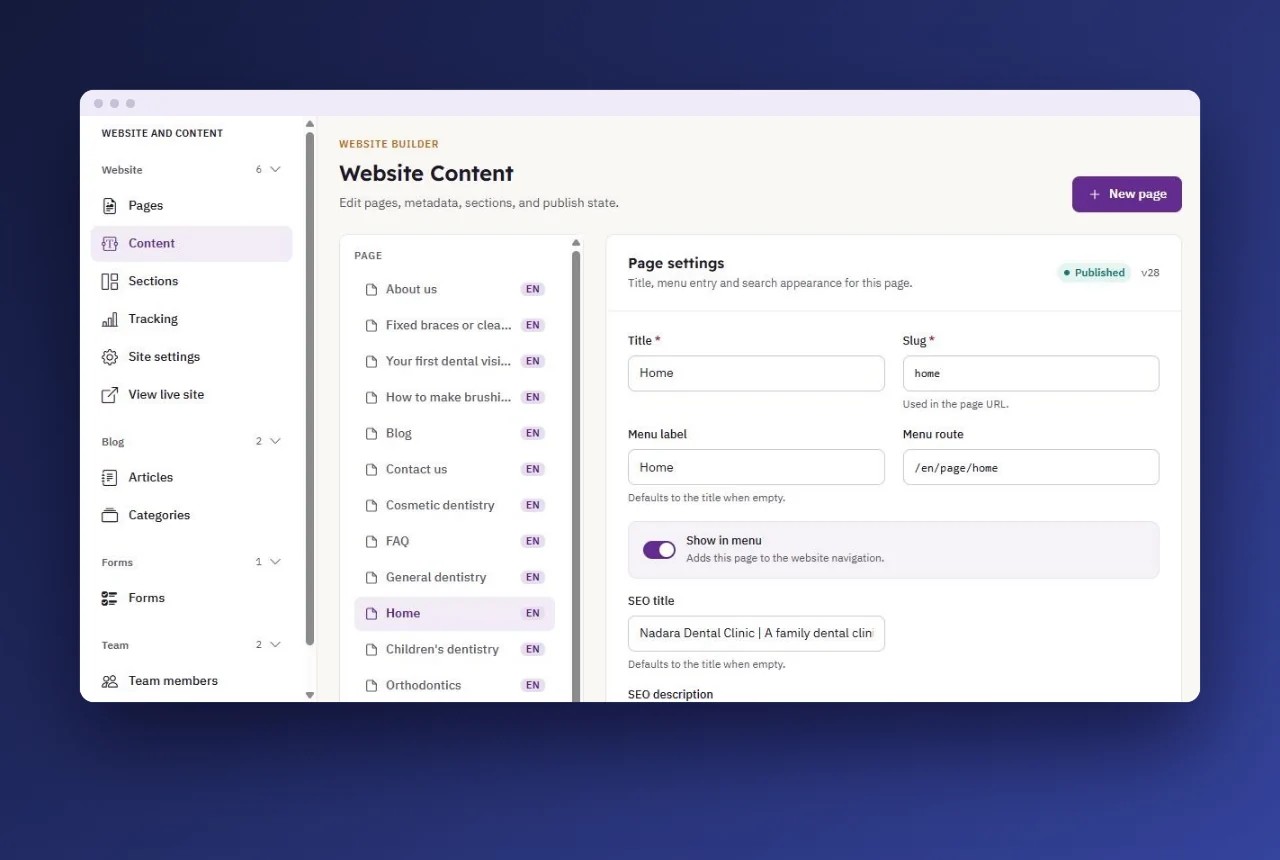
A guide for company owners in Saudi Arabia: what your team edits itself, how to assign roles and permissions, and how to separate the draft from publishing
Read more