Search keywords for your company: how do you find what your customers type into Google?
A practical way for business owners in Saudi Arabia to find the words their customers search with, and to use them on their site's pages without stuffing
By GenAI Hub teamPublished
Start from your customers' real questions, not from a ready-made keyword list. Then check them with Google's free tools: Search Console shows the words your site actually appeared for, and Google Trends compares interest between two terms. After that, give each important question a page or an article that answers it clearly.
Why do search keywords matter?
Your customer does not type your company's name into Google; they type their need: "company website design", "clinic booking system", "WhatsApp auto reply". If those words are not on your pages, it can be harder for Google to connect their question with your site.
Google's SEO Starter Guide notes that people who know a field and people who do not may use different words for the same thing, and that thinking about these differences helps. It also says you do not need to write every possible variation, because Google understands words that are close in meaning.
Start from your customers' questions
The best source of words is already with you, before any tool:
WhatsApp messages and e-mail: which questions come up again and again before a customer buys?
Sales and customer service: ask them how customers describe their problem in their own words.
Calls: note the different ways people ask for the same thing; some customers write "a site for the company", others "a website".
Both languages: write each question in Arabic and in English, as some of your customers in Saudi Arabia search in English.
Put what you find in a simple table: the question, the words used in it, and the page on your site that should answer it.
Check with what Google itself says: Search Console
If your site is connected to Google Search Console, the Performance report shows the words your site appeared for in search results. Its terms, as Search Console Help explains them:
Impressions: how many times your site appeared in the results.
Clicks: how many times someone clicked your site from the results.
CTR: clicks divided by impressions.
Average position: the average position of your site's top result.
Look for a term with good impressions and few clicks: its page often needs a clearer title and description, or an answer closer to what the searcher asks. Early on the numbers are small, so do not judge from one week.
Compare interest: Google Trends
If you are unsure between two terms, Google Trends compares interest in them for a place and time range you choose. Mind what its numbers mean: according to Trends Help, the number is not a count of searches but relative interest from 0 to 100, calculated from a sample, and a zero can mean very low volume rather than none.
So use it for comparison and direction: which wording is more common, and does interest rise in a certain season? Do not base a decision on a single spike.
Put the words in their place, without stuffing
One page per important question: do not put all services on one page.
Title and description: name the customer's need in their words in the page's title and its description in search results.
Subheadings: make each subheading the answer to a clear question.
Articles: longer questions, such as "how do I choose…" or "what is the difference between…", belong in blog articles.
Google's guide says repeating the same words too much tires the reader and goes against Google's spam policies, and that the keywords meta tag is not used by Google Search. Write for the reader first. We wrote what Google needs to understand your pages in SEO for your company website, and how to write articles that help your customers in Your company blog.
Search keywords in GenAI Web Studio
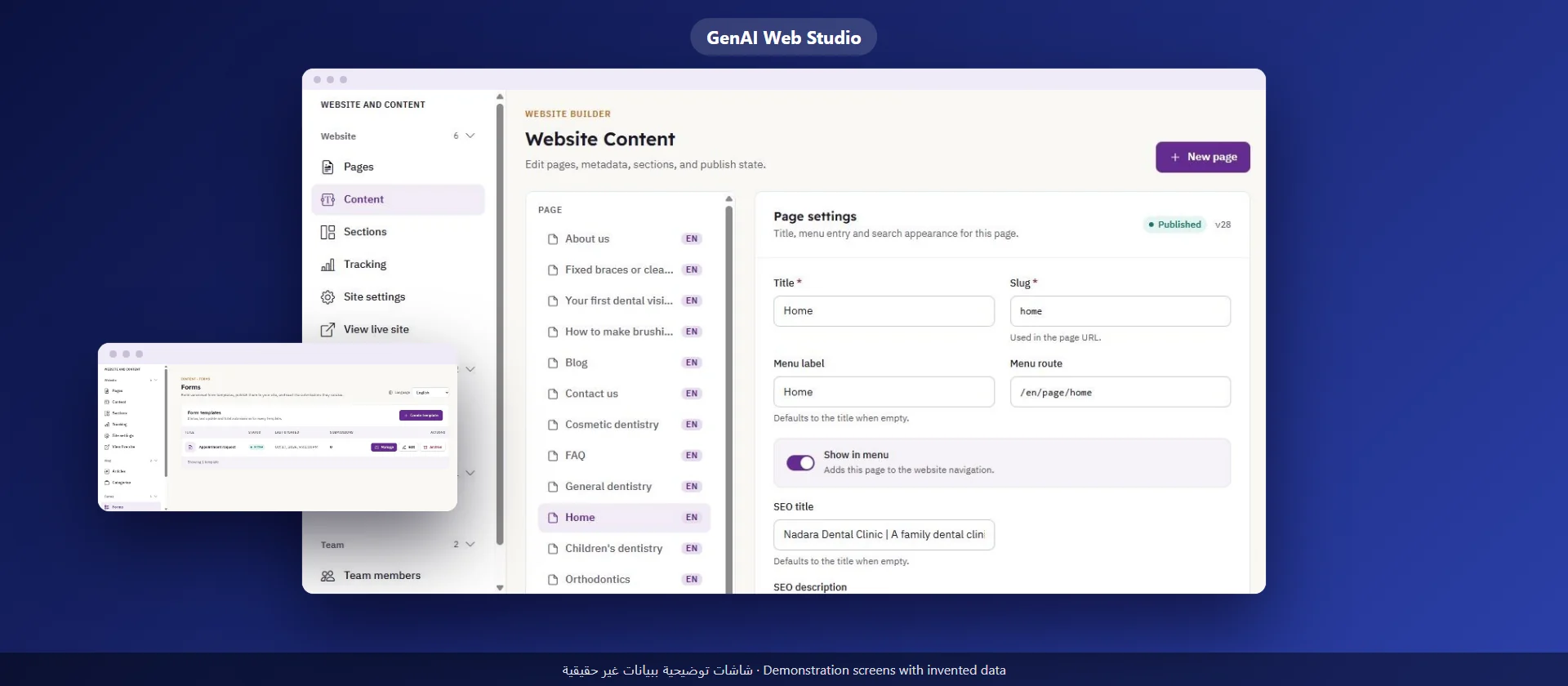
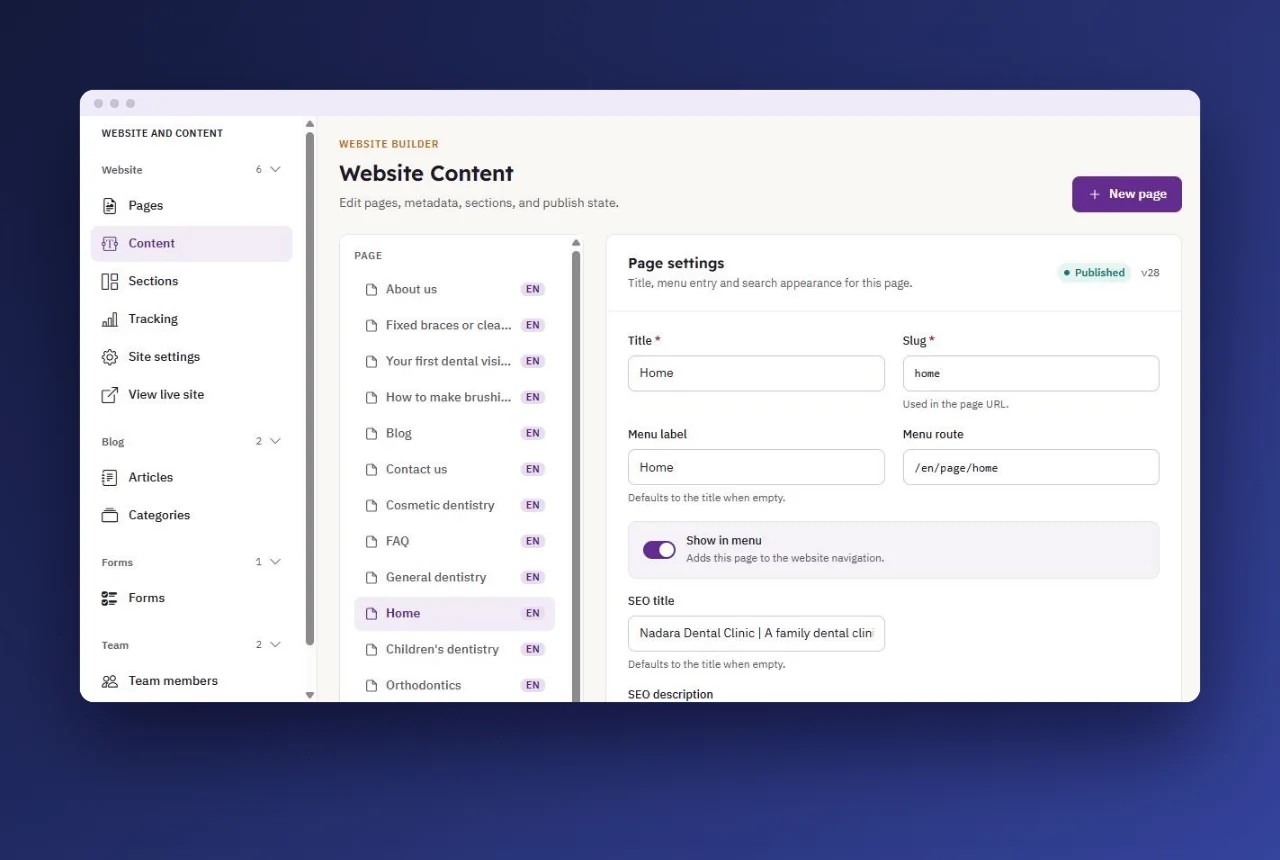
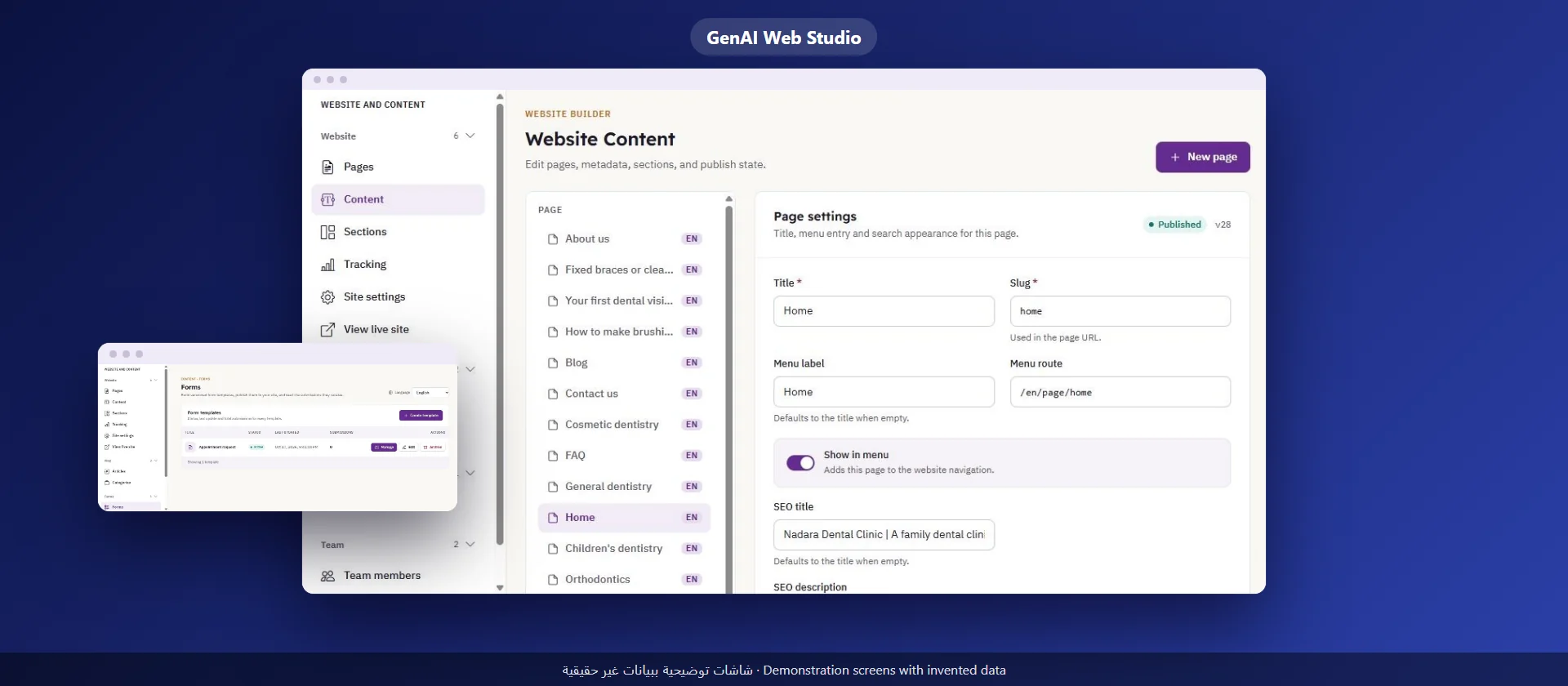
GenAI Web Studio is one complete product for your company website, with what you need to put the words in their place:
The site: in Arabic and English, it works on phones, each page has a search title and description, with a sitemap in both languages.
The control panel: your team edits and publishes pages from it.
The team: each person has their own login and permissions.
The Blog: articles in Arabic and English, each with a title, description and keywords per language when published.
The Forms: you build them and read each form's answers in the panel.
Connections: you create your Google Search Console and Google Analytics accounts and give us the IDs, and we add them to your site.
What you should know: we do not promise a position in search results, we do not manage your ads, and the product does not choose the words for you: researching words and writing texts is work you share with us through your knowledge of your customers. It has no online payment, no store and no appointment booking, the control panel interface is in English, and tracking tools only run after the visitor accepts the consent message.
Frequently asked questions
What are search keywords?
The words people type into Google when they look for a need, such as "company website design".
How do I see the words my site appeared for on Google?
In the Performance report of Google Search Console, once your site is connected. It shows the queries, impressions, clicks and average position.
Are Google Trends numbers the number of searches?
No. They are relative interest from 0 to 100 calculated from a sample, useful for comparing terms and seeing direction.
Does repeating a keyword many times on a page help?
No. Google says excessive repetition tires the reader and goes against its policies. Write a clear answer in your customer's words.
Build your site yourself, or a managed site for your company? A practical comparison
A comparison for business owners in Saudi Arabia: time, content in two languages, editing after launch, and who takes responsibility when something goes wrong
Automatic replies on WhatsApp for your company: greeting, away messages and templates
A practical guide for business owners in Saudi Arabia: what to write in each automatic message, when you need an approved template, and when a person must reply
A Website for Your Clinic: What Patients Look For Before They Call
A guide for clinic and medical center owners in Saudi Arabia: the pages a clinic website needs, contact from a mobile phone, and how the site stays correct after launch