Build your site yourself, or a managed site for your company? A practical comparison
A comparison for business owners in Saudi Arabia: time, content in two languages, editing after launch, and who takes responsibility when something goes wrong
By GenAI Hub teamPublished
Build your site yourself if it is small and someone on your team has the time and skill to look after it. Choose a managed site if the site matters to your business and you do not want it to depend on one person's time. The real difference is not how the page looks, but who writes, who updates, and who acts when something goes wrong.
What does each option mean?
Building it yourself: you use a website builder, choose a template, add your texts and images, and you or your team take care of everything after that.
A managed site: a specialised team prepares the site with you and looks after the system it runs on, while your team edits the content from a control panel.
There are many options in between, but one question separates them: who is responsible for each step?
When is building it yourself enough?
It suits you when:
your site is small: an introduction, services and a way to contact you;
someone has fixed time for it, not time they find now and then;
your project is a trial that is not clear yet, and you want to learn before you invest;
you do not need two languages of similar quality, or you can write both yourself.
Do not treat this option as weak: it gives you full control and quick trials. Google's SEO Starter Guide has basic steps a site owner can begin with, and suggests a professional for those who are short on time.
Which work does not show at the start?
Starting is the easiest part of a site. What comes after it decides the choice:
Writing: page texts take time, especially in two languages.
Updating: a service changes, an employee leaves, working hours change in Ramadan.
Images and speed: clear pictures that do not slow the page on a phone.
Being found in search: titles, descriptions and a sitemap, which is ongoing work.
Problems: who acts when the form stops sending on a Thursday evening?
Next to each item write a name: who will do it on your side. If one name appears on every line, that deserves attention.
When is a managed site better?
Your customers judge you by your site before they call.
You need Arabic and English, with Arabic shown correctly from right to left.
More than one person edits: marketing, management, customer service.
You want a team to prepare the site with you step by step, instead of learning everything alone.
You do not want the site to stop because the employee who built it left.
A managed site does not free you from everything: you know your services, you give the brief, and you review and approve the texts.
Questions to ask before you choose
Ask yourself first, then ask whoever will build the site:
Who writes the texts in Arabic and English, and who reviews them?
Can my team edit pages and images itself after launch?
Does each employee have their own account and permissions?
Does the published site stay as it is until I publish a change?
Is the domain in my name, and who has access to its settings?
Where do visitors' requests arrive, and who reads them?
Whichever way you choose, Google cares about pages it can reach and understand, and content that is helpful to the reader. On its page about hiring an SEO, Google says a professional may help with reviewing site content and structure, and with technical advice such as hosting, redirects and error pages. It also says plainly that no one can guarantee a #1 ranking.
So if someone promises you a certain position in search results when you choose who builds your site, ask how they will do it. We wrote what Google needs in SEO for your company website.
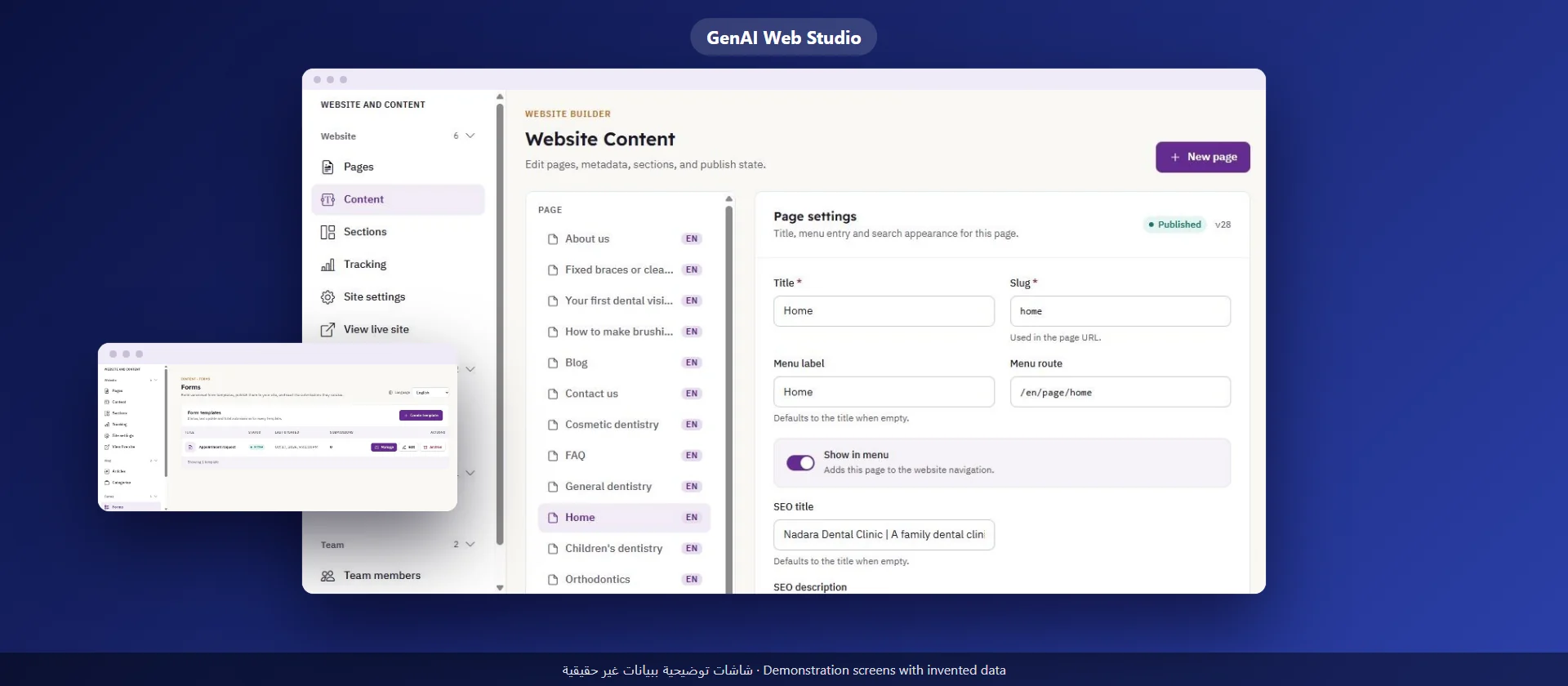
A managed site with GenAI Web Studio
GenAI Web Studio is one complete product for your company website:
The site: in Arabic and English, and it works on phones.
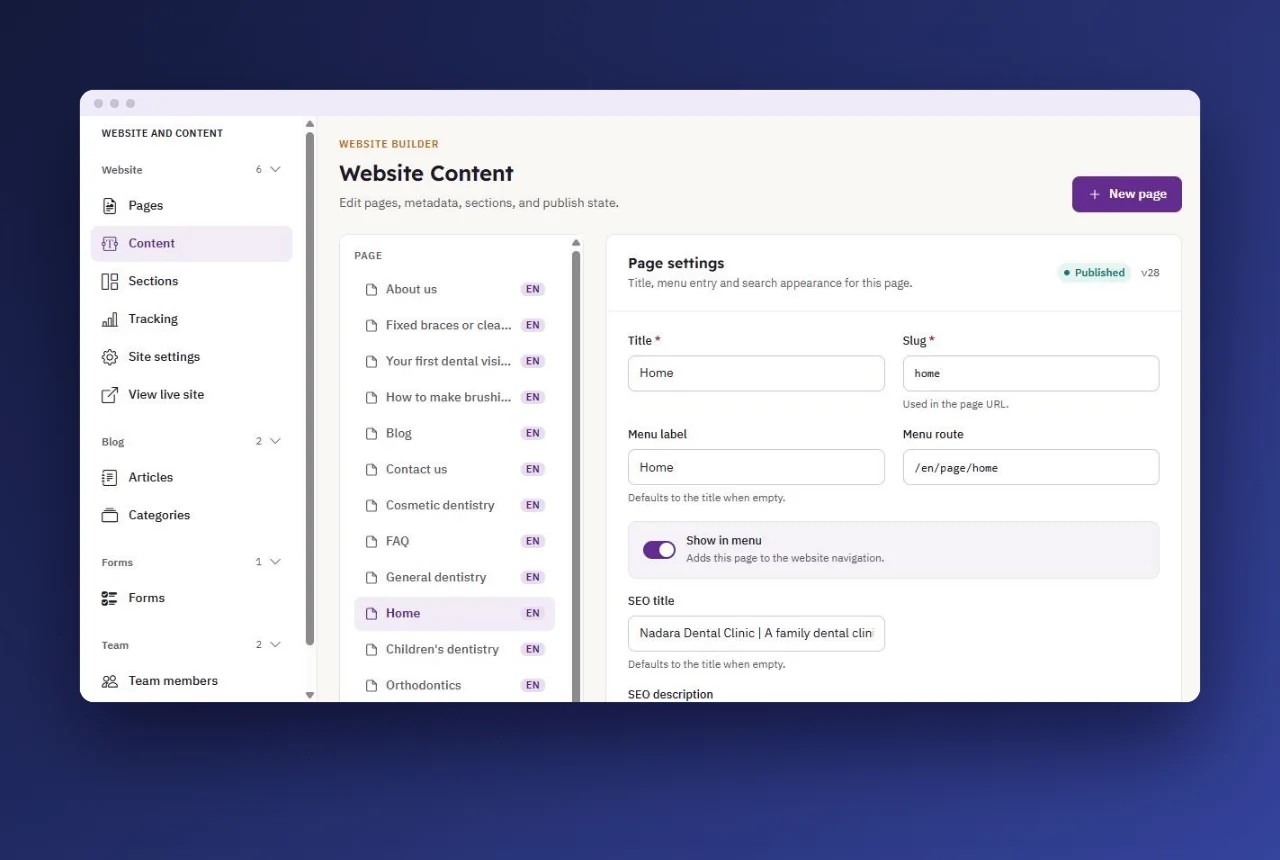
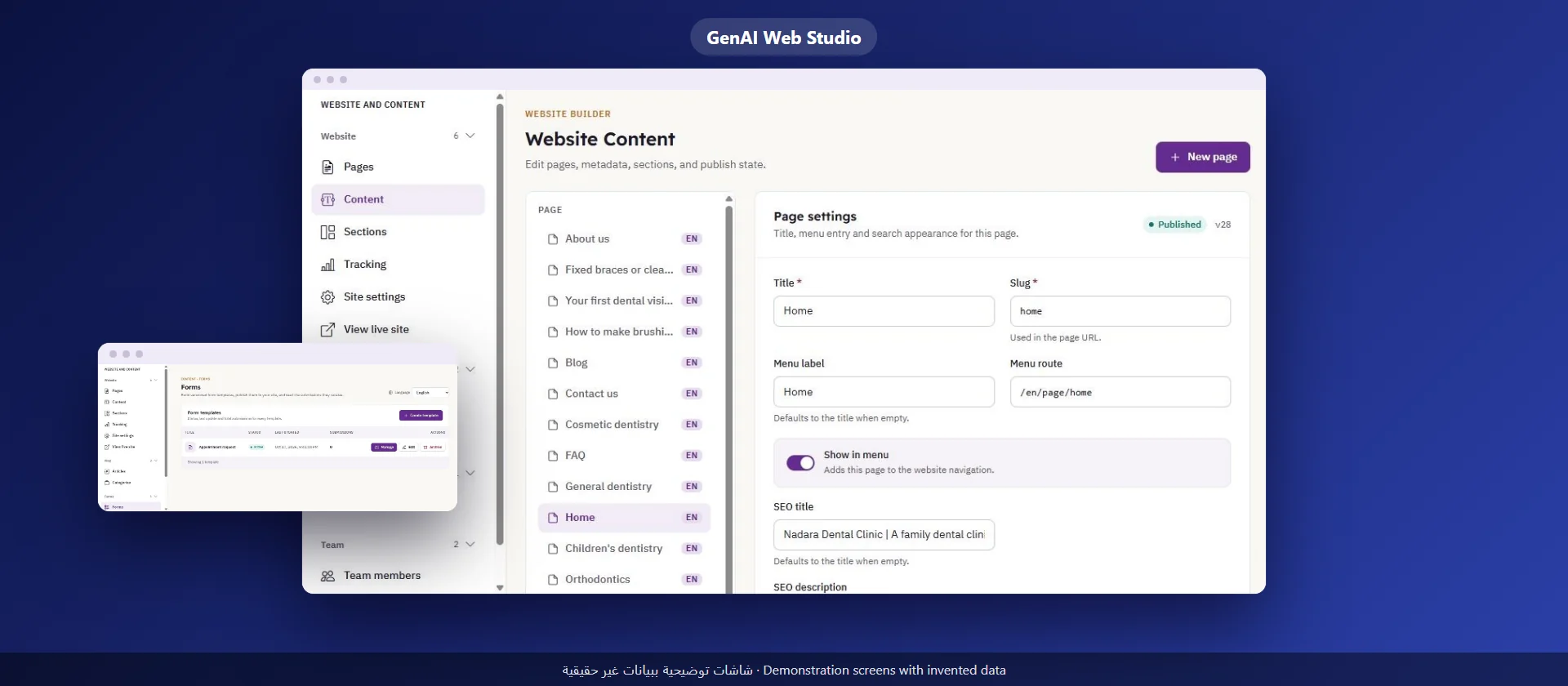
The control panel: your team edits and publishes pages from it, and the change is on the site after it is published.
The team: each person has their own login and permissions.
The Blog and the Forms: articles in Arabic and English without a developer, and forms you build, with each form's answers read in the panel.
The set-up: we take a brief about your business, then prepare a first design and texts you choose from and edit, and review the site with you before it is published.
The domain: if you have your own domain and can reach its settings, our team connects it to your site.
What you should know: it has no online payment, no store, no appointment booking, no members area and no self sign-up. Visitors' requests reach you by e-mail only, with no instant alert and no WhatsApp alert. The control panel interface is in English, the content you publish is in Arabic and English, and moving your old site's content is not part of the set-up. You take the part of the product you need: the site alone, the site with the control panel, or the full product with articles and forms. We do not promise a fixed time: it depends on the brief you give us and on your review.
Frequently asked questions
Can I build my company website myself?
Yes, if it is small and someone has fixed time to write and update it.
What does a managed site mean?
A specialised team prepares the site with you and looks after the system it runs on, while your team edits and publishes the content from a control panel.
What do I prepare before starting with GenAI Web Studio?
A brief about your business, services and audience. Our team prepares a first design and texts you choose from and edit, and your photos and logo are welcome if you have them.
Can anyone guarantee first place on Google?
No. Google says no one can guarantee a #1 ranking. Ask about the steps that will be done, not about the position.
Search keywords for your company: how do you find what your customers type into Google?
A practical way for business owners in Saudi Arabia to find the words their customers search with, and to use them on their site's pages without stuffing
Automatic replies on WhatsApp for your company: greeting, away messages and templates
A practical guide for business owners in Saudi Arabia: what to write in each automatic message, when you need an approved template, and when a person must reply
A Website for Your Clinic: What Patients Look For Before They Call
A guide for clinic and medical center owners in Saudi Arabia: the pages a clinic website needs, contact from a mobile phone, and how the site stays correct after launch